Update Nulls Brawl Without Losing Your Account
Updates bring new brawlers such as Cosmo and Vince, modes, and stability fixes, but rushing the install risks corrupted data. Use this workflow to patch Nulls Brawl to v69.252 while keeping trophies and cosmetics intact.
Step 1: Verify Nulls Connect
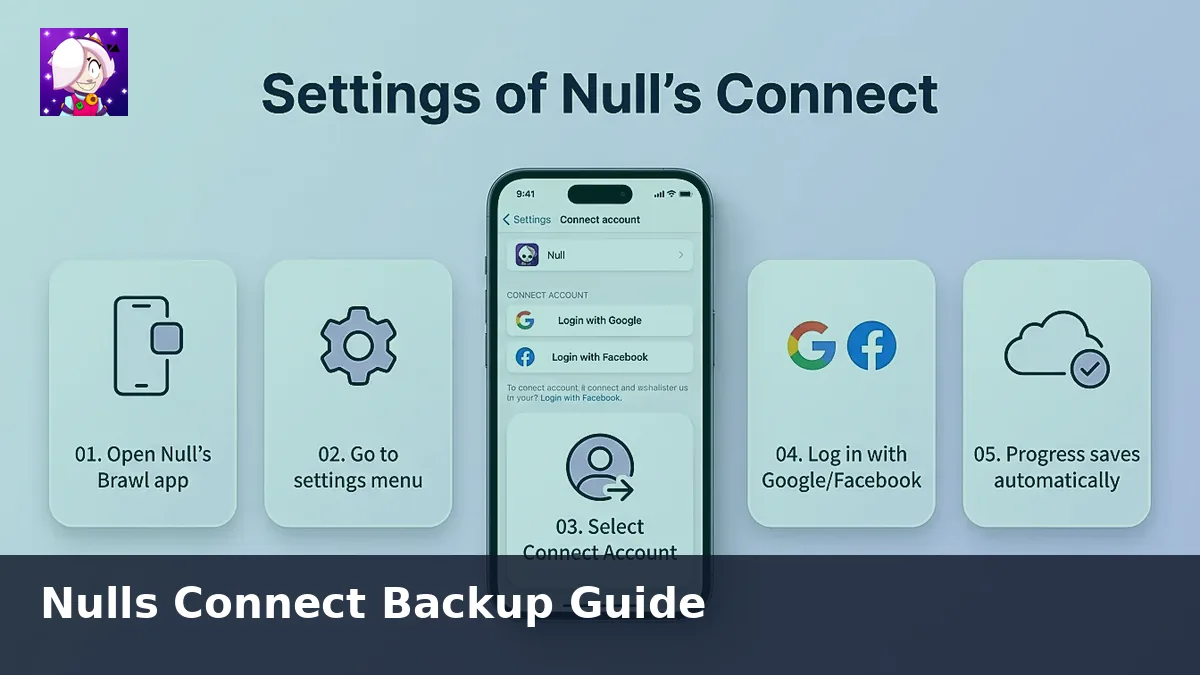
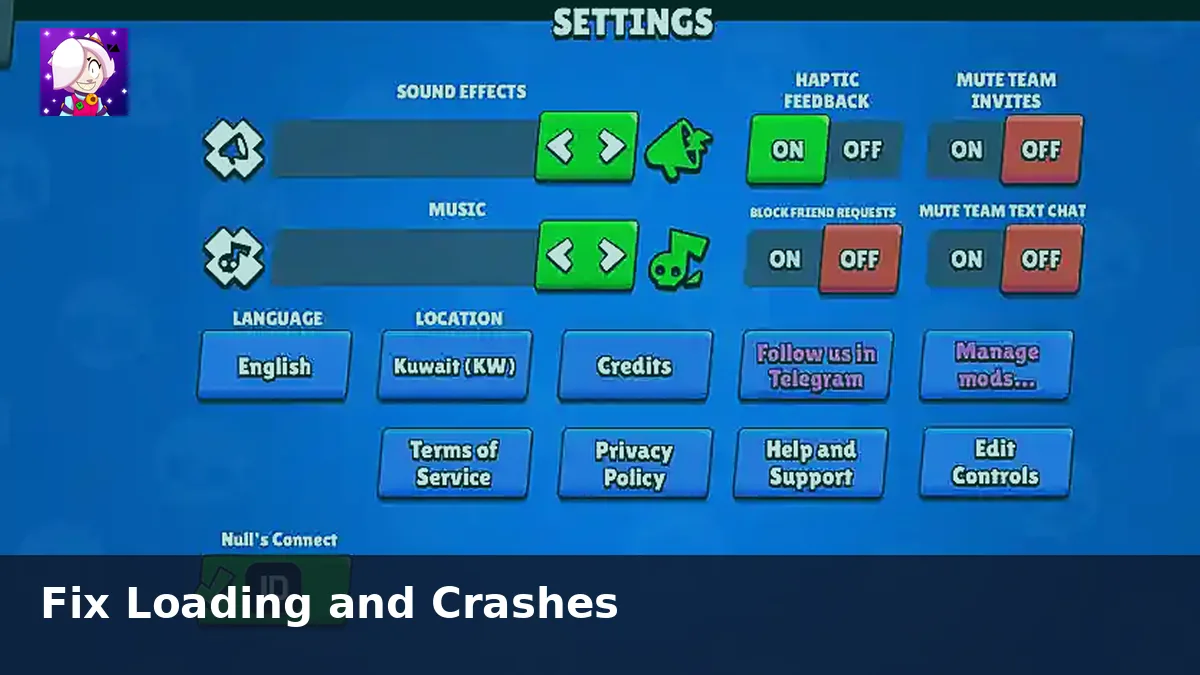
Launch the game, open Settings, and confirm Nulls Connect lists your email. If you still play as a guest, create the account before touching the APK. Guest profiles cannot be recovered after a failed update.
Step 2: Download over WiFi
Pull the latest package from nullsbrawl.onl rather than third-party mirrors. Interruptions on mobile data often produce incomplete APK files that crash on launch. Delete partial downloads before starting again.
Step 3: Patch Android in place
Android allows you to install the new APK above the old one. Tap the file, accept the update, and wait until the system verifies signatures. Do not clear storage unless support advises it.
Step 4: Handle iOS reinstalls
Apple sideloads usually need a fresh IPA when the Nulls Team ships a major build. Export your Nulls Connect credentials, install the new IPA, trust the certificate, and log back in. Expect longer downtime than on Android.
Step 5: Validate the build
After the first launch, open Settings and confirm the version number matches the release notes on our home page. Join a training match to ensure gadgets and skins synced.
If something goes wrong
Uninstall only after you verify Nulls Connect works on another device or emulator. Then reinstall from nullsbrawl.onl and sign in. Cloud saves restore within minutes when the account was linked properly.
For deeper backup context, read the Nulls Connect guide and keep both articles bookmarked before every major patch.