Set Up Nulls Connect Before You Lose Progress
Nulls Connect is the cloud identity system for Nulls Brawl. It does not touch your official Supercell ID, yet it stores the profile you build on private servers. Link it once and you keep trophies, skins, and club tags when you reinstall, swap phones, or test an emulator.
Why linking matters
Android sideloads and iOS IPAs both wipe local data when you clear storage or revoke a certificate. Without Nulls Connect, that progress disappears. With it, you sign back in and the server restores your inventory.
Create your ID
- Open Nulls Brawl after a clean install.
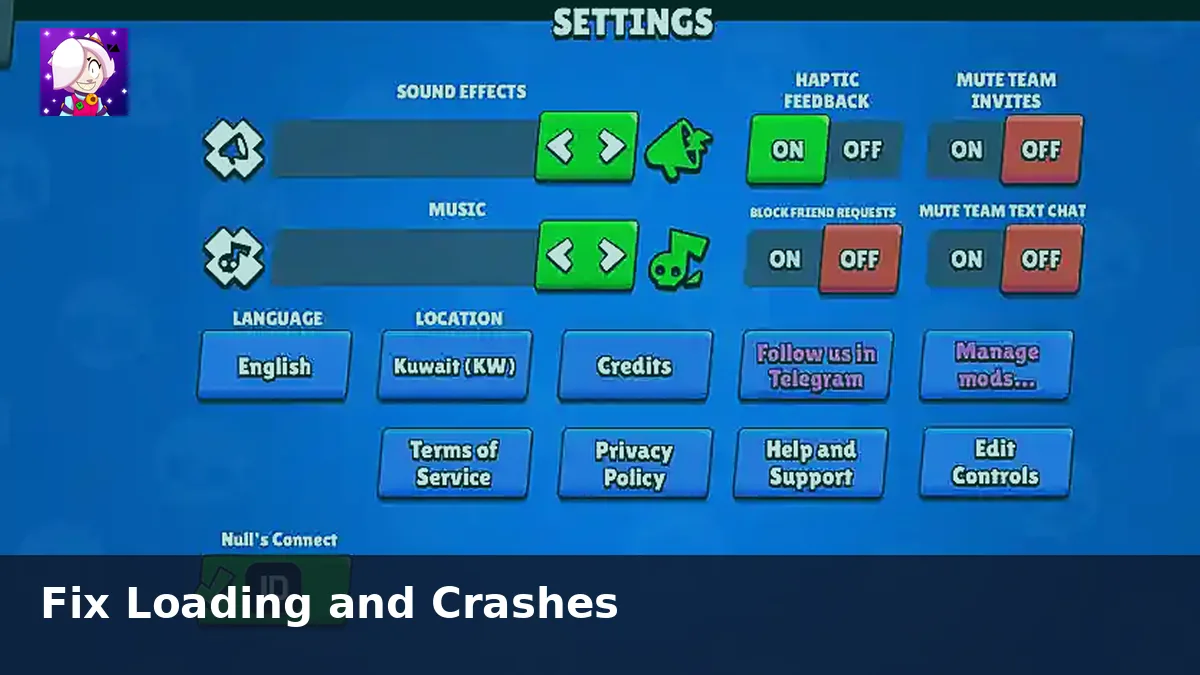
- Head to Settings and choose the Nulls Connect option.
- Register an email and password you control.
- Confirm the login and wait for the sync icon to finish.
Before every reinstall
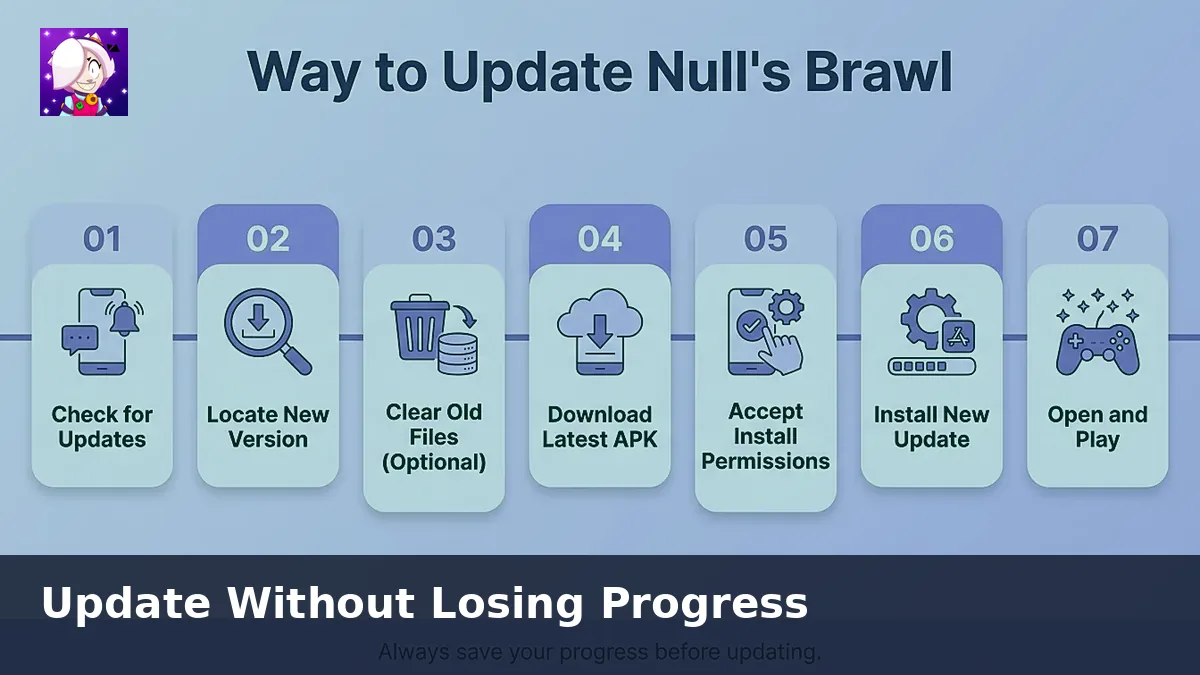
Force-close the game, reopen it, and verify Nulls Connect still shows your username. Screenshot your player tag if you share devices with family members. Only then uninstall or overwrite the APK.
Switching between phone and PC
Install the same build inside your emulator, launch the client, and log into Nulls Connect with the same credentials. The private server merges the profile within seconds. Avoid playing on two devices simultaneously or you may kick yourself from matches.
Common mistakes
- Skipping Nulls Connect because you "will do it later".
- Using disposable email addresses you cannot access again.
- Sharing passwords in Discord DMs with strangers.
- Installing unknown APK files that reset the app data folder.
Need the current client first? Grab it from our APK download page or the IPA page before you configure backups.