Map Keyboard Controls for Nulls Brawl on PC
Playing Nulls Brawl on PC gives you precise movement and faster gadget inputs once you map the touch controls properly. Every major Android emulator includes a keymapping tool and this article shows how to configure it without fighting the default layout.
Install the client inside the emulator
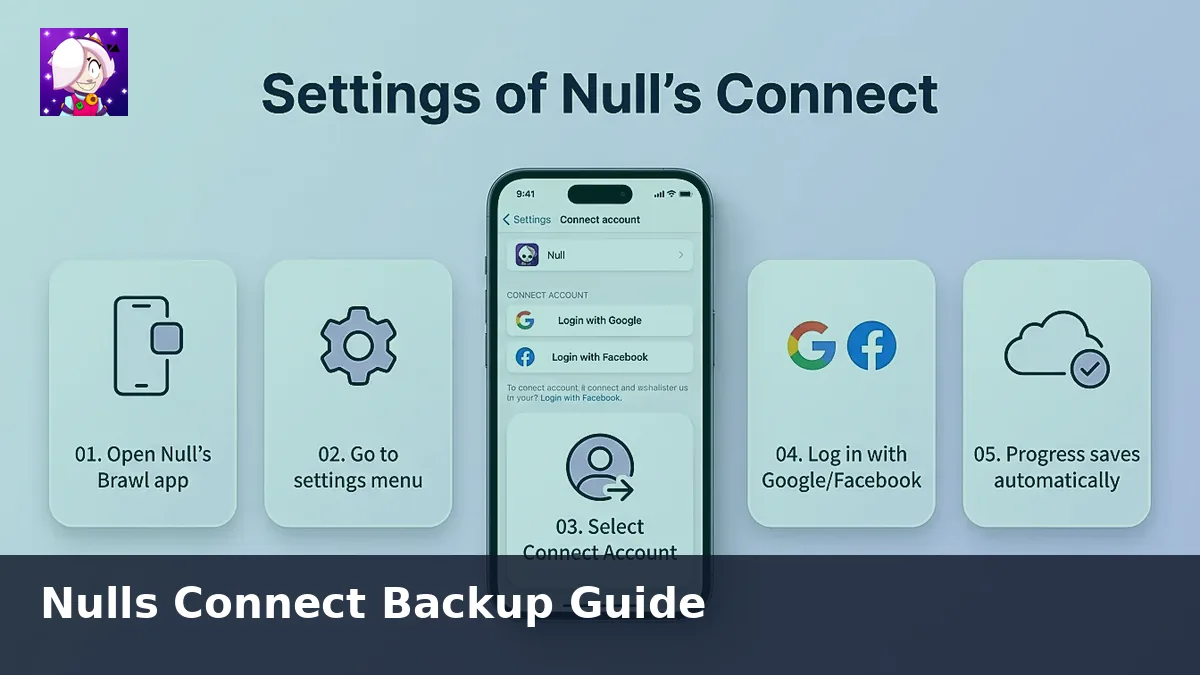
Download the APK on your computer from our download page, open LDPlayer, BlueStacks, NoxPlayer, or MEmu, and install the file. Sign into Nulls Connect so progress matches your phone.
Start with a clean layout
Open the emulator's keyboard mapping overlay and delete unused buttons. Keep only movement, attack, super, gadget, and hypercharge triggers. Smaller HUDs make it easier to see lane pressure in 3v3 modes.
Suggested key binds
- Movement: WASD or arrow keys tied to the virtual joystick.
- Primary attack: Left mouse button or J.
- Super: Right mouse button or K.
- Gadget: E.
- Hypercharge: Q when your brawler supports it.
- Ping or emote wheel: C if you coordinate with friends.
Performance tweaks
Set the emulator to 60 FPS, enable high performance mode, and assign four CPU cores when possible. Lower the resolution to 1280x720 on laptops that thermal throttle. Wired Ethernet reduces the input delay that feels like lag even when your FPS is stable.
Controller option
Most emulators detect Xbox and PlayStation pads. Enable native controller support, map the sticks to movement, and use shoulder buttons for abilities. Controllers shine in Showdown lobbies where precise aim matters.
Practice routing
Load a friendly battle with bots and test each binding before you queue ranked matches. Adjust sensitivity until you can flick shots without overshooting walls. Save the profile so future updates do not reset your layout.
For hardware requirements and troubleshooting, pair this guide with our PC emulator overview.